


About Cutting Room
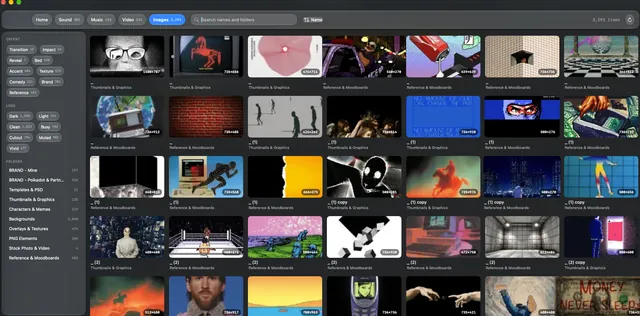
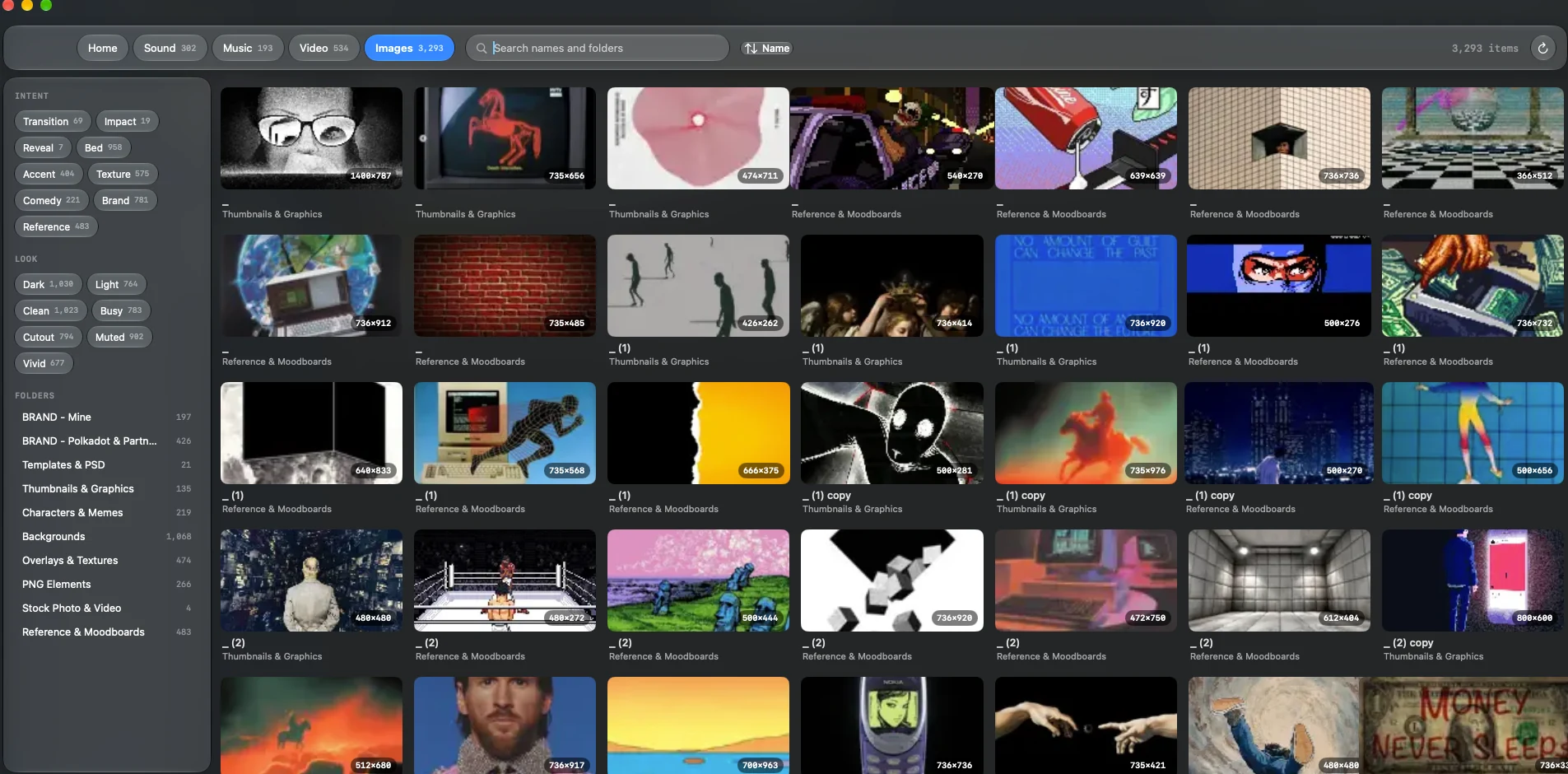
The Cutting Room is a native macOS media browser for sound effects, music, video, and images. It indexes folders you already use but leaves original media in place; its configuration, index, and cache live in your user Library. Search across the library or browse each media type separately, then narrow results by name, folder, Intent, or Look. Preview audio, scrub video thumbnails, inspect images, and drag the original files into another app.
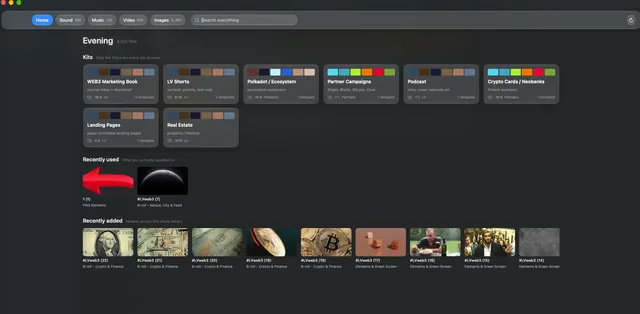
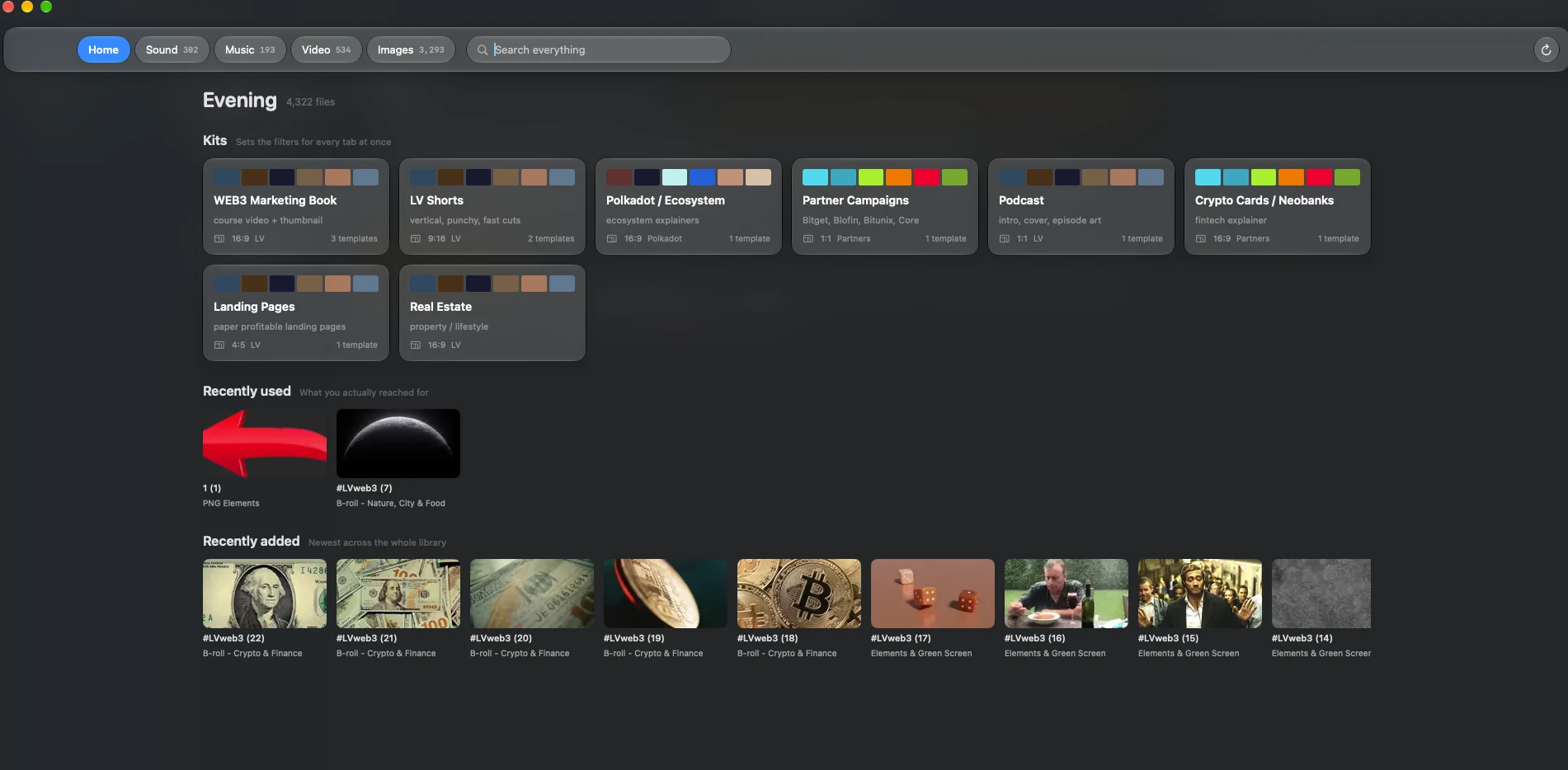
Save reusable filter combinations as kits and return to recently used or recently added files from Home. Export selections as FCPXML events for Premiere Pro. The same indexed library is available through the local web interface, HTTP API, OBS browser sources, and bundled crctl command-line tool at localhost:7777. The app can watch configured media folders and rebuild its index when files change. It requires macOS 14+, Swift 5.9+, and Xcode Command Line Tools; the Swift app has no third-party package dependencies.
- Platform
- macOS 14+
- Media
- Sound · music · video · images
- Index
- Local folders
- Interfaces
- App · web · API · CLI
What it does
LV role Creator
-
Index existing folders without moving the source media; the app keeps its configuration, index, and cache in your user Library.
-
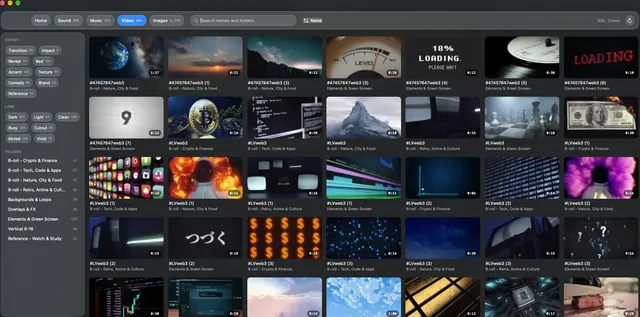
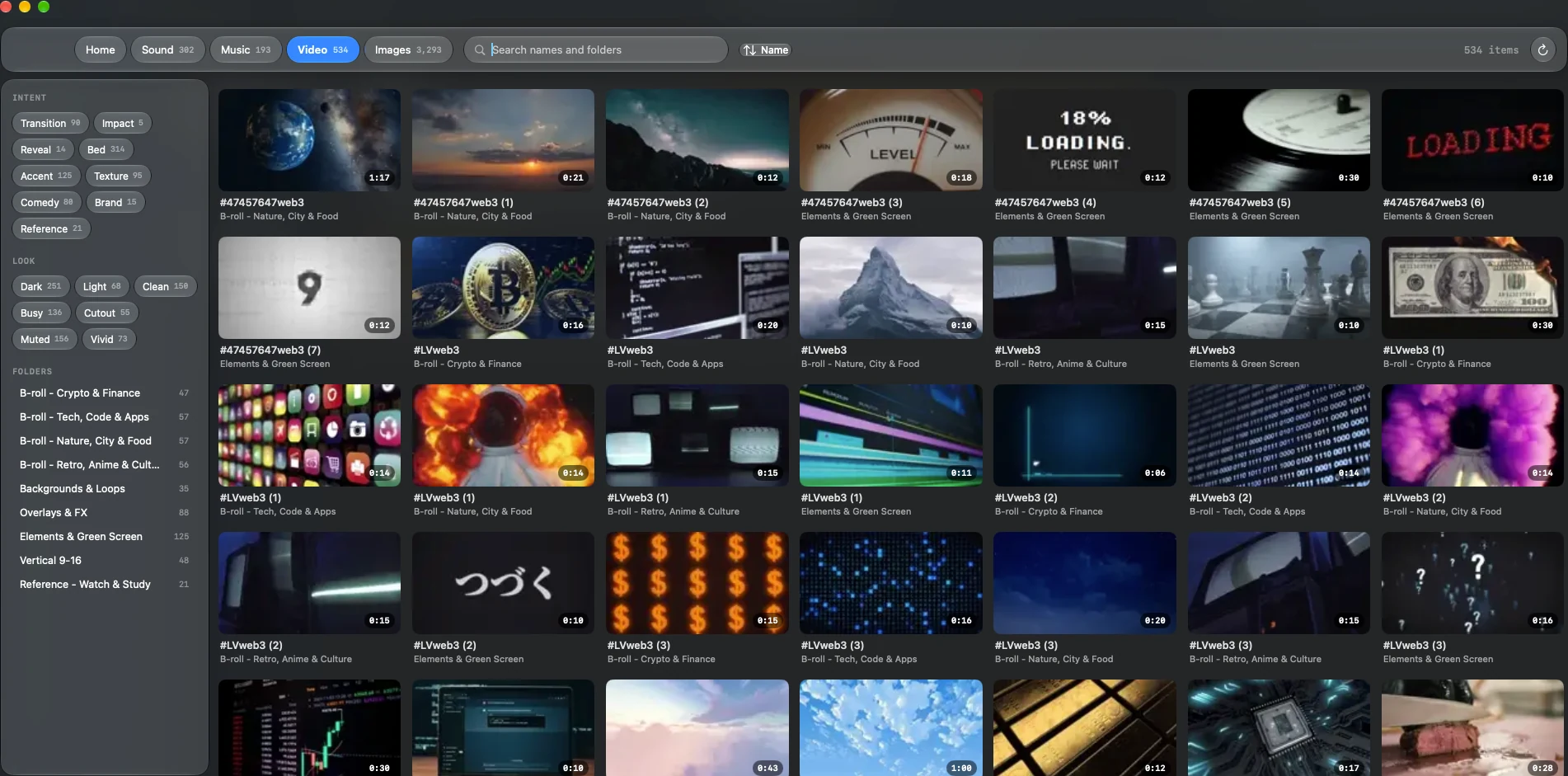
Search across all media or browse sound effects, music, video, and images separately by name and folder.
-
Filter results with Intent and Look tags, preview audio, scrub through video thumbnails, and review image previews.
-
Drag original files into another app and save common filter combinations as kits; Home also shows recently used and added media.
-
Export a selection as an FCPXML event for Premiere Pro.
-
Query the same library from the local web interface, HTTP API, OBS browser sources, or bundled crctl command-line tool at localhost:7777.
-
Watch configured media folders and rebuild the index when files change.
-
Built for macOS 14+ with Swift 5.9+ and Xcode Command Line Tools; no third-party Swift packages are required.
Inside The Cutting Room
Public work
Sites, files, videos, and releases from Cutting Room.